Leaf Thickness Gauge Calibration
Description
The MultispeQ measures leaf thickness by using a Hall Effect sensor located on the main body of the MultispeQ and a magnet located on the clamp body. The Hall Effect sensor measures the density of magnetic field lines, and as the clamp opens and the magnet moves farther away, the field lines go farther apart. This extremely precise sensor is able to detect differences of 10s of microns given a consistent setup. Precision in the field is not that good, as dirt, bumps and veins in the leaf, and other noise can interfere.
Calibration of the Hall Effect sensor requires the measurement of objects of a few known thicknesses, and a calibration curve (2nd order polynomial fit) of the resulting Hall Effect detector response to the actual values.
In addition, the Hall Effect sensor is also used to identify fully closed and fully open positions, which is used to automatically start a measurement on clamp (the “open_close_start” command). This is used in the “Leaf Photosynthesis” protocol, for example. If you want to only recalibrate the fully open and fully closed positions, then run the “v1.0 CALIBRATION: Leaf Thickness Quick” calibration instead.
Directions
Run this protocol using the Desktop App (it is the only app which can currently display messages) Make sure you have 6 plastic strips of known thickness (from .05 to 3mm). Run the protocol, following the directions provided by the messages. Once complete, press the “save to device” button to save the outputs to the MultispeQ device. If it is running as part of a Calibration Project (as during factory calibration), then press “keep” to save the values to the photosynq.org 1website. As with any values saved to the MultispeQ, you can see the saved calibration values by opening the Desktop App, going to “Settings” –> “console”, and entering print_memory+ . The leaf thickness values are saved as “thickness_a”,”thickness_b”,”thickness_c”,”thickness_min”,”thickness_max”.
2232
Basic Usage
## Import leaf_thickness_gauge_calibration
from jii_multispeq_protocols.protocols.calibrations import leaf_thickness_gauge_calibration as _leaf_thickness_gauge_calibration
Sequence
        %%{
init: {
  "theme": "base",
  "themeVariables": {"primaryColor": "#49e06d", "primaryTextColor": "#005e5e", "primaryBorderColor": "#005e5e", "lineColor": "#fff381", "secondaryColor": "#afd7f4", "tertiaryColor": "#D7EBF9"}
}
}%%
flowchart TD
     START((Start))
     A0["`**thick**
*Sensor:* Hall Effect Sensor`"]:::protocol
     START ==> A0
     A1["`**thick**
*Sensor:* Hall Effect Sensor`"]:::protocol
     A0 ==> A1
     A2["`**thick**
*Sensor:* Hall Effect Sensor`"]:::protocol
     A1 ==> A2
     A3["`**thick**
*Sensor:* Hall Effect Sensor`"]:::protocol
     A2 ==> A3
     A4["`**thick**
*Sensor:* Hall Effect Sensor`"]:::protocol
     A3 ==> A4
     A5["`**thick**
*Sensor:* Hall Effect Sensor`"]:::protocol
     A4 ==> A5
     A6["`**thick**
*Sensor:* Hall Effect Sensor`"]:::protocol
     A5 ==> A6
     A7["`**thick**
*Sensor:* Hall Effect Sensor`"]:::protocol
     A6 ==> A7
     A7 ==> END
     END(( End ))
     classDef protocol text-align:left,white-space:pre;
Details
Code
[  {  '_protocol_set_': [  {  'alert': 'Leave the Leaf Clamp fully closed',
                              'environmental': [['thickness_raw']],
                              'label': 'thick'},
                           {  'environmental': [['thickness_raw']],
                              'label': 'thick',
                              'prompt': 'Clamp the ***Red*** Thickness '
                                        'Calibration Card or enter alternate '
                                        'value'},
                           {  'environmental': [['thickness_raw']],
                              'label': 'thick',
                              'prompt': 'Clamp the ***Blue*** Thickness '
                                        'Calibration Card or enter alternate '
                                        'value'},
                           {  'environmental': [['thickness_raw']],
                              'label': 'thick',
                              'prompt': 'Clamp the ***Translucent*** Thickness '
                                        'Calibration Card or enter alternate '
                                        'value'},
                           {  'environmental': [['thickness_raw']],
                              'label': 'thick',
                              'prompt': 'Clamp the ***White*** Thickness '
                                        'Calibration Card or enter alternate '
                                        'value'},
                           {  'environmental': [['thickness_raw']],
                              'label': 'thick',
                              'prompt': 'Clamp the ***Clear*** Thickness '
                                        'Calibration Card or enter alternate '
                                        'value'},
                           {  'environmental': [['thickness_raw']],
                              'label': 'thick',
                              'prompt': 'Clamp the ***Black*** Thickness '
                                        'Calibration Card or enter alternate '
                                        'value'},
                           {  'alert': 'Leaf Clamp fully open',
                              'environmental': [['thickness_raw']],
                              'label': 'thick'}]}]
Analysis
Usage
JII-MultispeQ package)¶from jii_multispeq import measurement as _measurement
from jii_multispeq_protocols.protocols.calibrations import leaf_thickness_gauge_calibration as _leaf_thickness_gauge_calibration
## Take a measurement using the MultispeQ
data, crc32 = _measurement.measure(port="<Selected Port>", protocol=_leaf_thickness_gauge_calibration, filename=None, notes="")
## The analyze function of JII-MultispeQ helps to provide the correct format
output = _measurement.analyze( data, _leaf_thickness_gauge_calibration._analyze )
## View Analysis output (as table)
_measurement.view( output )
Function Details
- _analyze(_data)[source]
Macro for calibrating leaf thickness in the MultispeQ v1.0 created: 7/1/2018
Example Data
Parameter |
Value |
|---|---|
device_battery |
106 |
device_firmware |
2.191 |
device_id |
32:21:3c:e5 |
device_name |
MultispeQ |
device_version |
2 |
fitArray |
[[53199, 0], [52839, 80], [52376, 170], [51730, 220], [48480, 650], [47055, 930], [42525, 2400]] |
r2 |
0.934 |
slope |
-20469996692.079 |
toDevice |
set_thickness+47219090569802.88+-1.7229384+0.0+53199+38517+ |
y_intercept |
130481962790.194 mm |
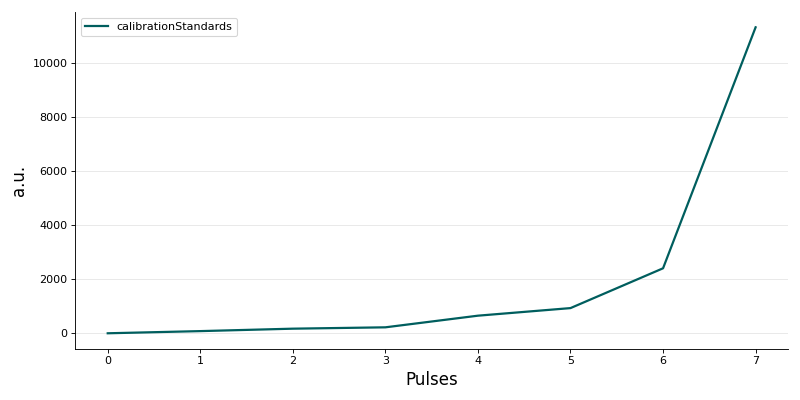
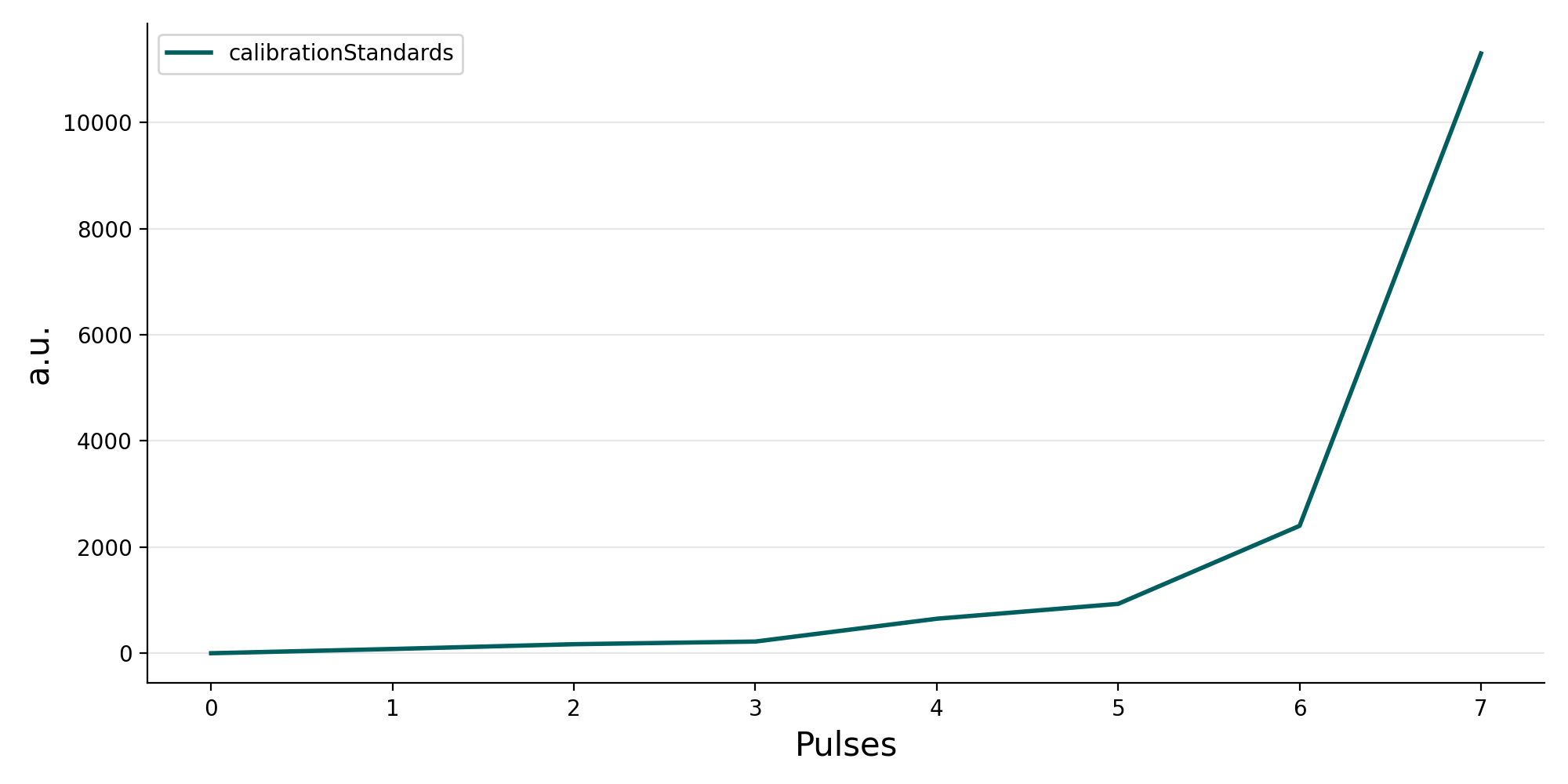
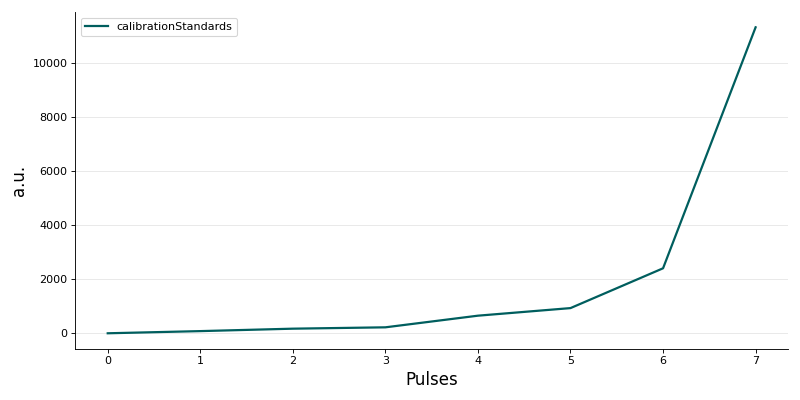
Figure: Recorded or calculated trace for calibrationStandards.
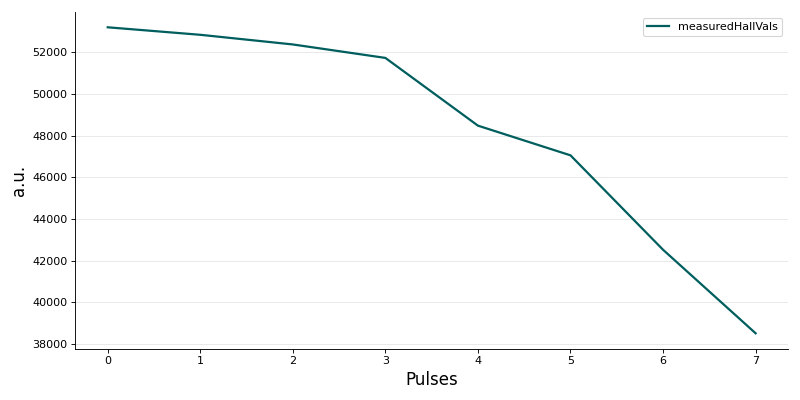
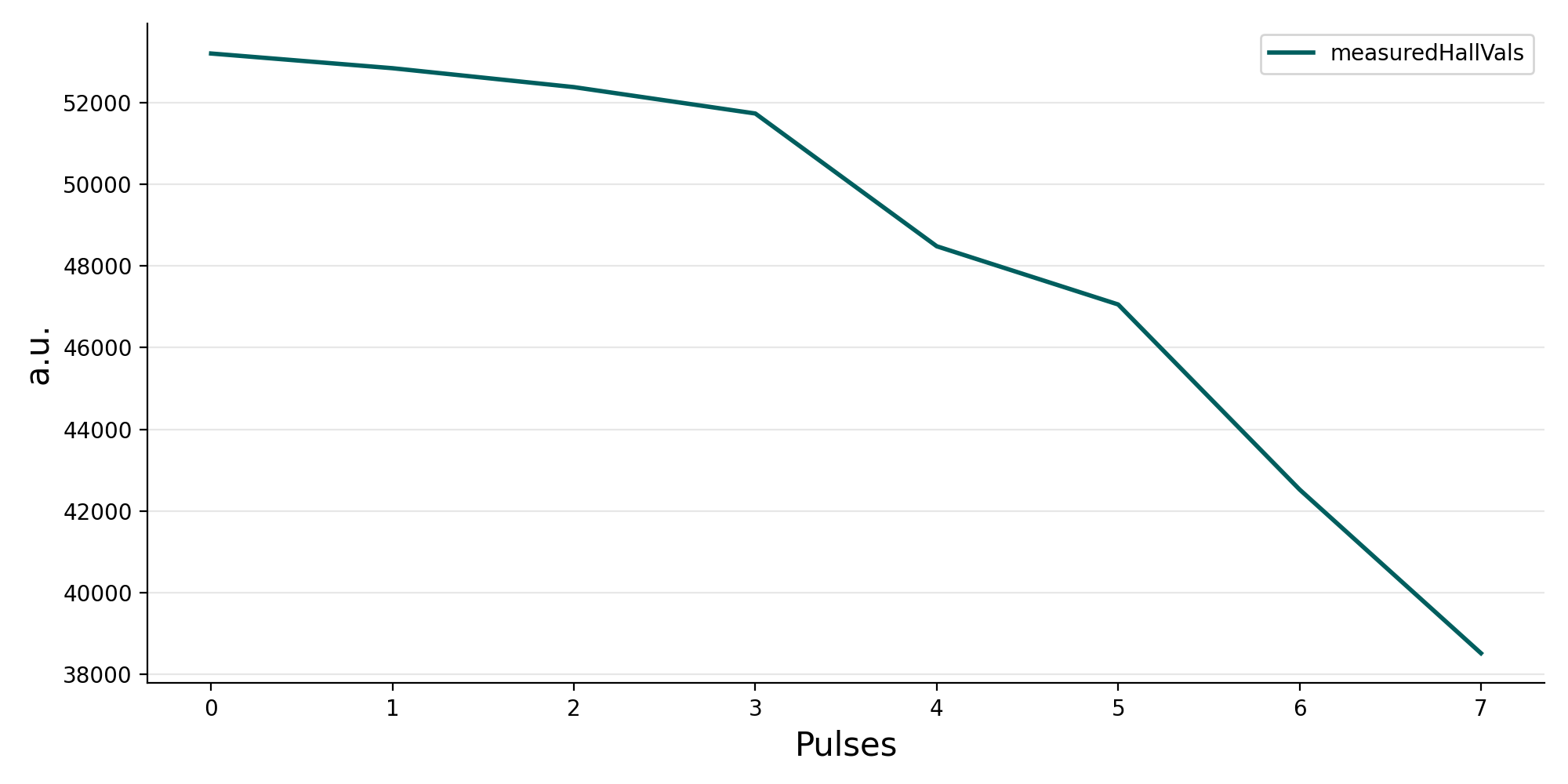
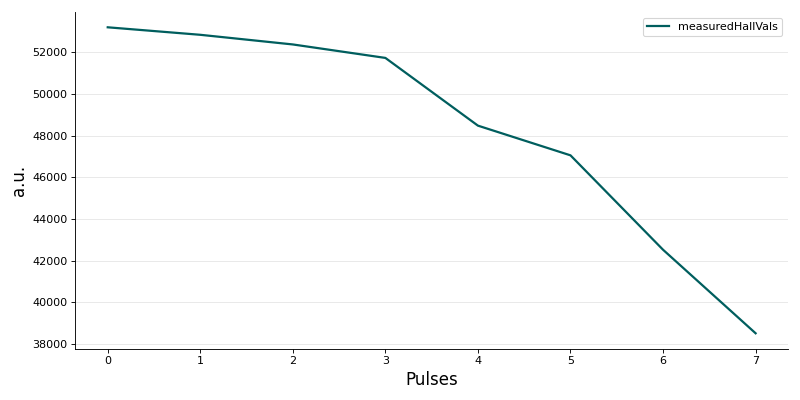
Figure: Recorded or calculated trace for measuredHallVals.
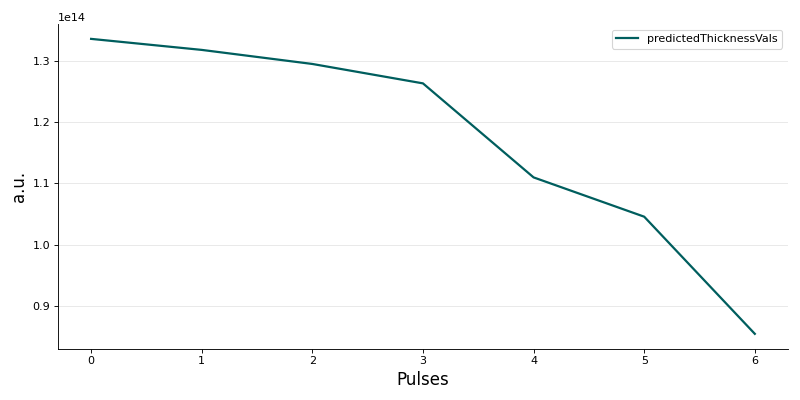
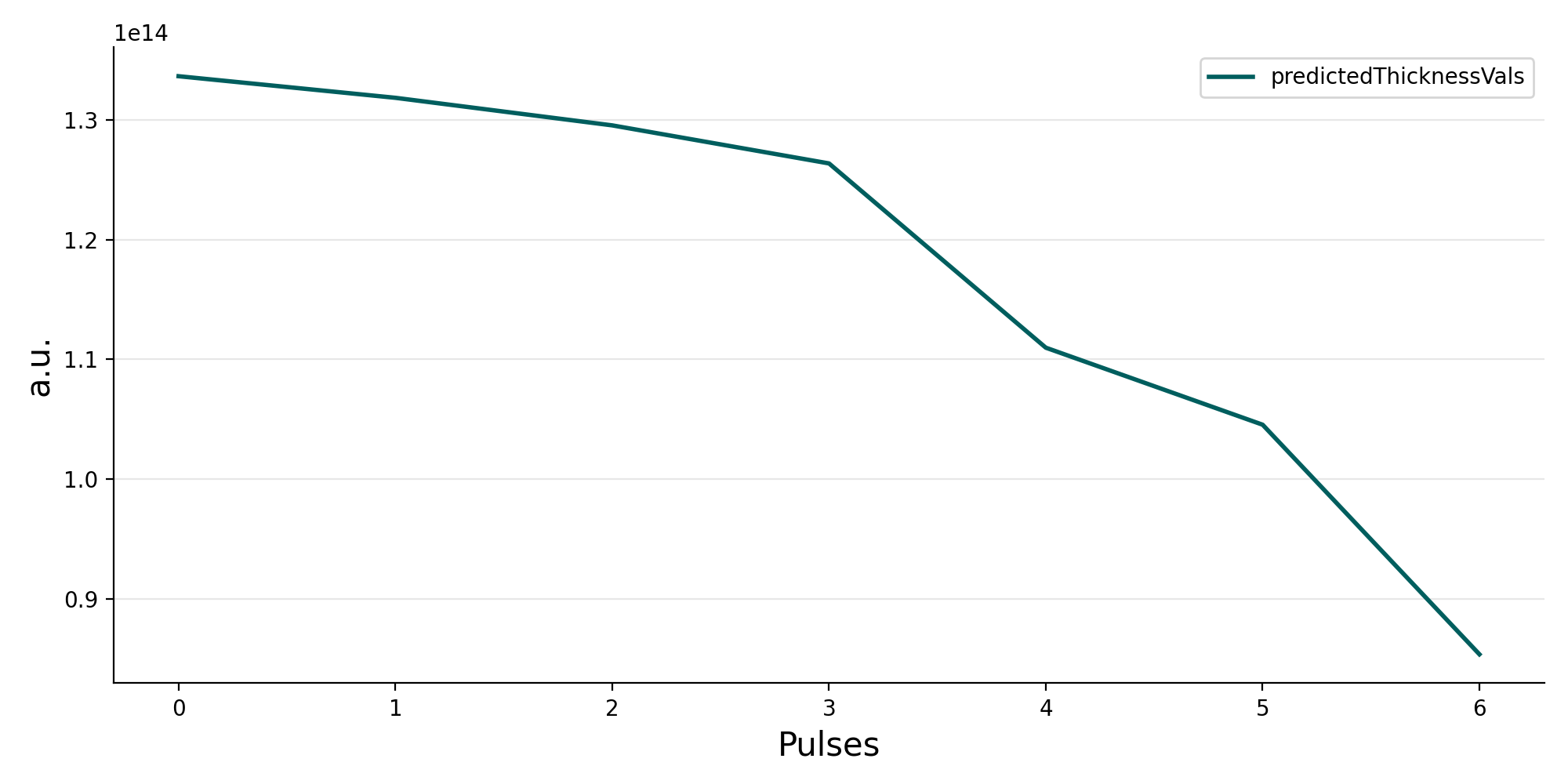
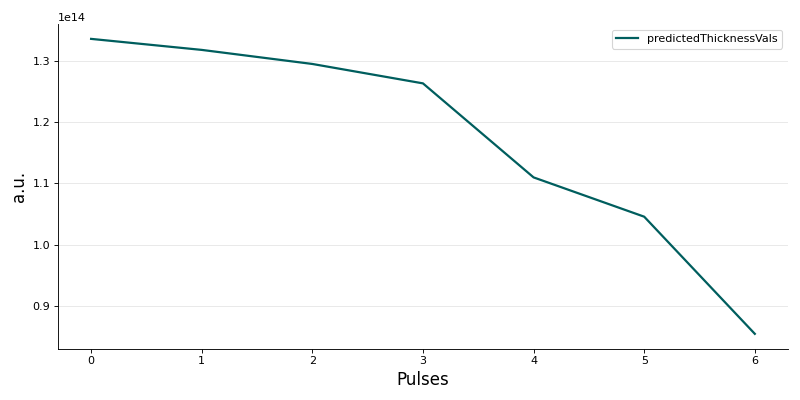
Figure: Recorded or calculated trace for predictedThicknessVals.
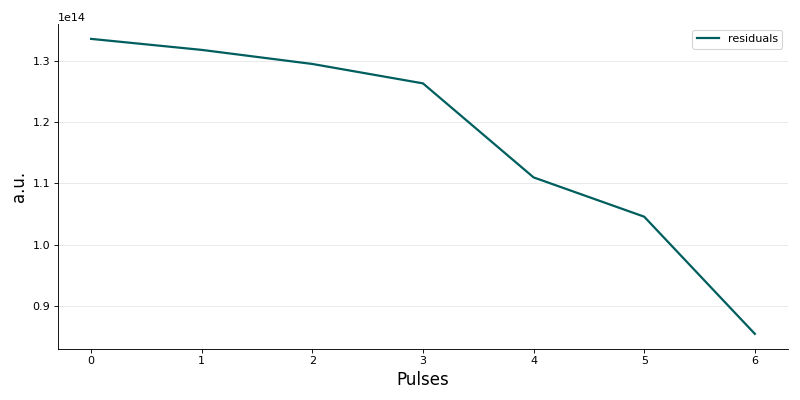
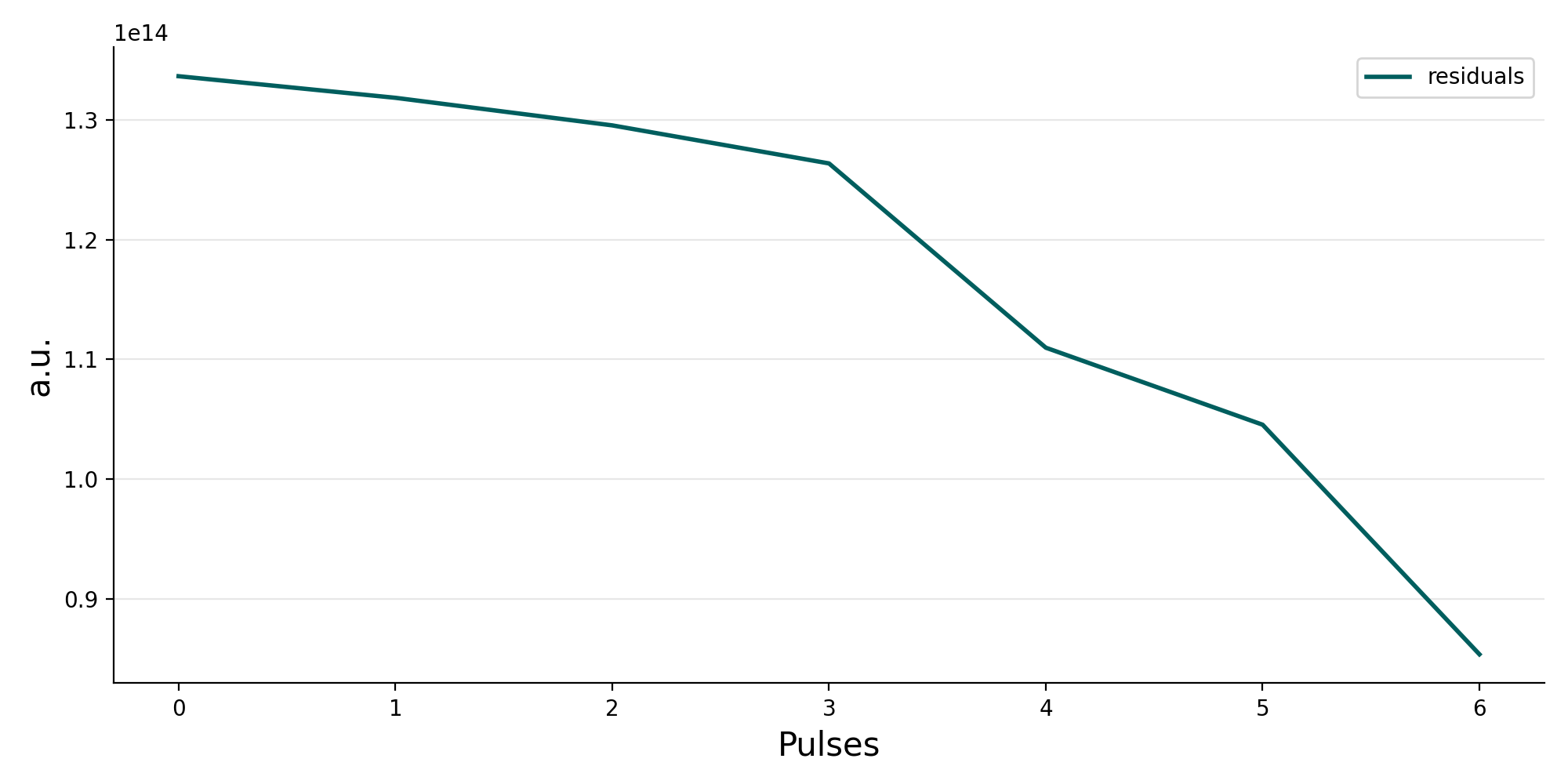
Figure: Recorded or calculated trace for residuals.